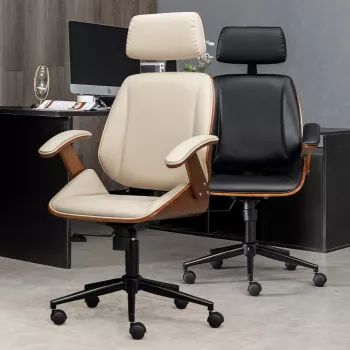
An executive chair does more than look polished—it shapes posture, comfort, focus, and energy across long workdays. An ergonomic design supports the body’s natural alignment, reduces strain during extended sitting, and makes it easier to stay productive through meetings, deep work, and screen-heavy tasks.
When the chair fits both your body and your workstation, small improvements add up: steadier circulation, fewer pressure points, and less “end-of-day” tightness that can linger long after you log off.
Executive seating is often chosen for aesthetics first, but true ergonomic design pays off in how you feel hour after hour. The goal isn’t to “sit perfectly still”—it’s to support natural movement and keep joints and muscles from doing extra work just to hold you up.
Guidance from organizations like OSHA’s Computer Workstations eTool and the Mayo Clinic’s office ergonomics guide highlights the same theme: a good setup reduces strain by keeping the body aligned and supported.
Back support is where an ergonomic executive chair can separate itself from a purely “soft” chair. Comfort isn’t only about padding—it’s also about how well the chair helps you maintain a stable, neutral posture without constant effort.
| Discomfort area | Helpful feature | What it changes during the workday |
|---|---|---|
| Lower back fatigue | Lumbar support + recline | Maintains lumbar curve; reduces sustained muscle bracing |
| Shoulder/neck tension | Adjustable armrests + proper seat height | Reduces shrugging and reaching toward keyboard/mouse |
| Hip pressure | Contoured cushioning | Spreads load across seat; reduces pressure hotspots |
| Leg numbness | Correct seat height + depth | Improves thigh support without cutting off circulation behind knees |
Executive days often involve long stretches of sitting—video calls, reviews, writing, budgeting, or deep planning. Ergonomic features aim to keep support consistent as your posture naturally shifts between tasks.
Even small details—like a supportive seat edge and a backrest that follows your upper back—can reduce the “pressure shuffle” that pulls attention away from the work.
Comfort isn’t a luxury when you’re seated for hours. When the chair reduces strain, your brain gets fewer “interruptions” from discomfort, and maintaining a healthy posture takes less effort.
For deeper context on preventing work-related strain, NIOSH ergonomics resources outline how ergonomics can help reduce musculoskeletal stressors that accumulate over time.
The best executive chair for you is the one that adjusts to your proportions. Prioritize fit and control range over a single “signature” feature.
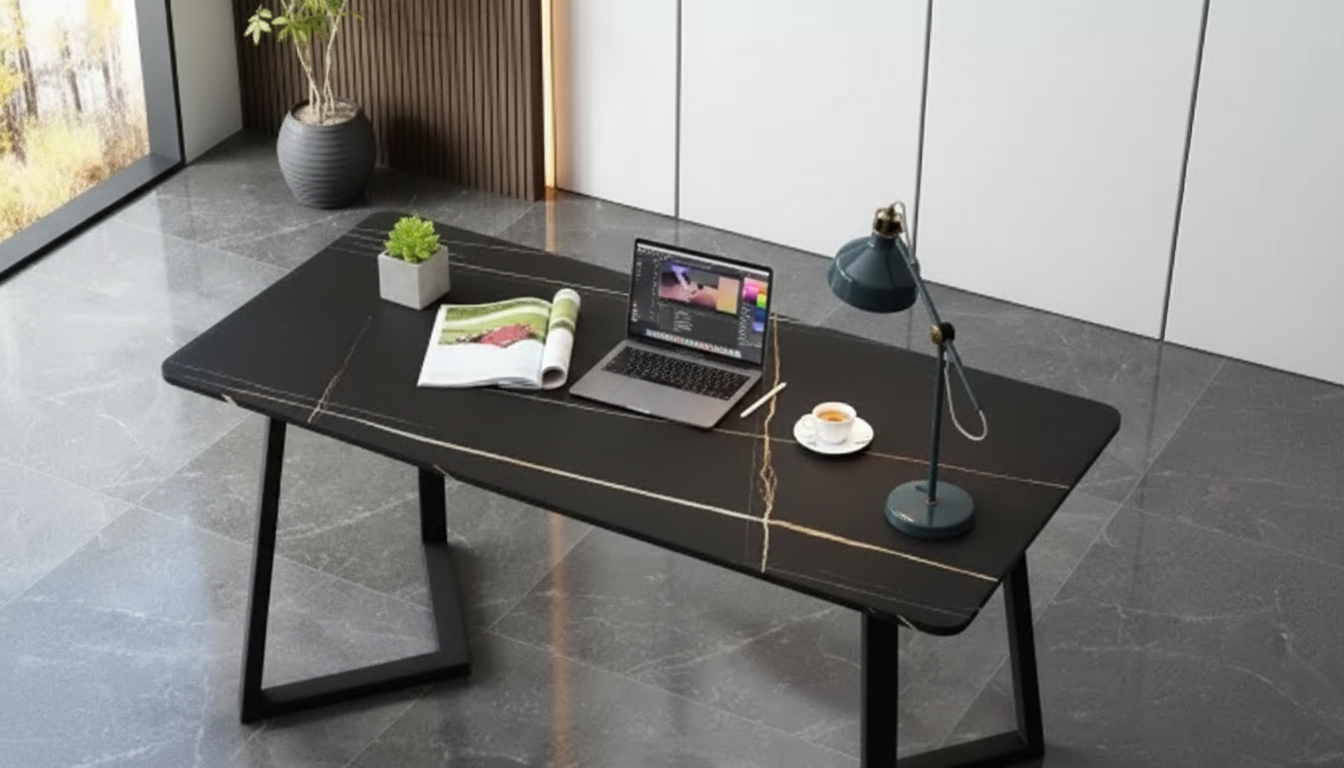
If you’re refining a full workstation setup, pairing seating with a supportive desk height and layout can make the adjustments “stick.” Consider complementing your chair with a practical workstation like the Cinnamon Cherry Finish Computer Desk with Storage to help keep essentials within easy reach.
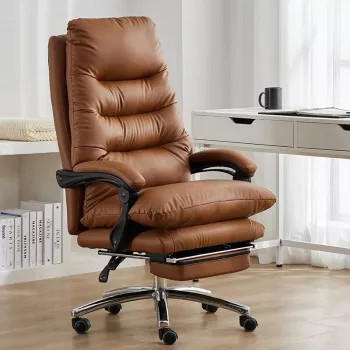
Looking for a chair that blends executive presence with ergonomic function? The Ergonomic Executive Office Chair is designed to support long sessions while keeping a refined, professional profile.
Comfort is often noticeable right away, especially if the chair relieves obvious pressure points. Posture changes and reduced strain typically improve over several days to a few weeks as you fine-tune adjustments and your body adapts.
Yes—traditional styling can still be ergonomic if the chair offers key adjustments like seat height and depth, lumbar support, armrest positioning, and recline/tilt controls. The deciding factor is whether it fits your body and supports your workstation setup.
Setting the chair too high—or placing armrests so they force shoulder shrugging—can throw off your entire alignment. Those issues often cascade into awkward wrist angles, neck tension, and back strain.









Leave a comment